¶ Triggering a GitLab pipeline from another pipeline
If we want to trigger a pipeline in another pipeline with a pipeline we can use multi-project pipelines.
This is especially useful if you have multiple projects with manual pipelines and you want to trigger them all at once or want the pipelines to run on on a certain schedule without adding a pipeline schedule for each project.
¶ Prerequsites
- A functionig GitLab runner has to be present
¶ Example situation
In my situation I have 2 projects which each are used to build custom docker images via a Dockerfile. One project for creating a custom Ansible base image and one for creating a custom Ansible lint image.
Currently these 2 projects have pipelines which need to be run manually to build a new version and push this version to my harbor.
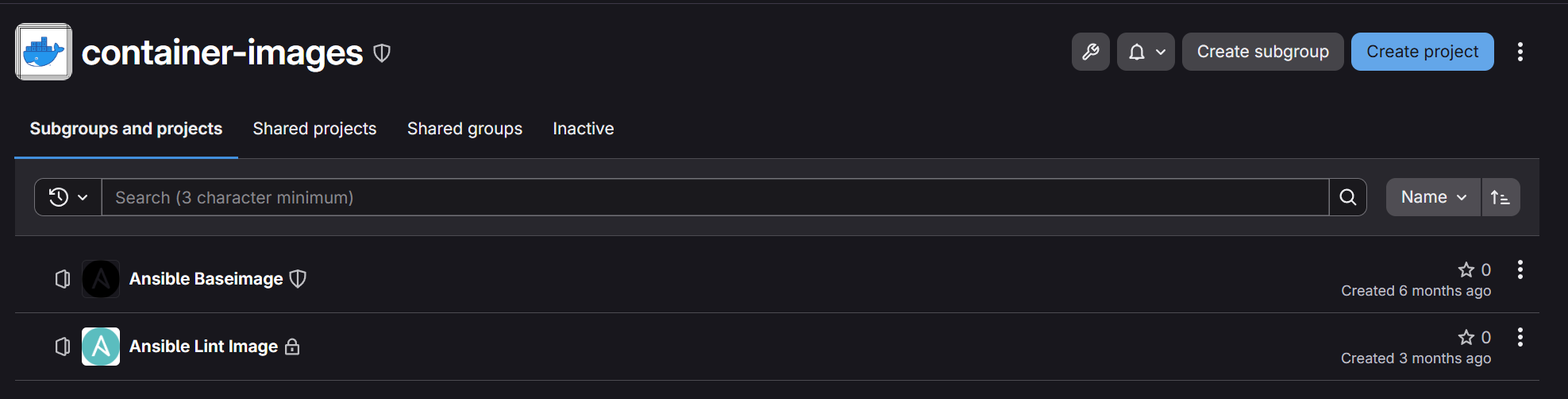
My idea was to trigger both pipelines in these projects from another one with a pipeline schedule.
I created the new project and wrote a simple .gitlab-ci.yml file which triggers the pipelines in the 2 projects mentioned above.
---
stages:
  - trigger-pipelines

Ansible-Baseimage:
  stage: trigger-pipelines
  trigger:
    project: container-images/ansible-baseimage

Custom-Ansible-Lint-Image:
  stage: trigger-pipelines
  trigger:
    project: container-images/ansible-lint-image
...
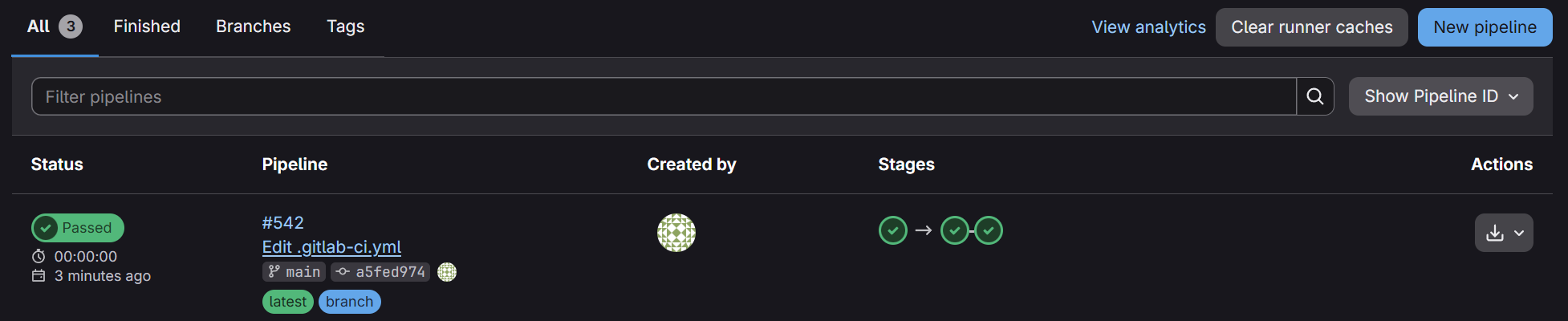
As you can see in the picture below, the pipelines tab shows us that it triggered the two other ones and each one completed successfully.
¶ Debugging
- If you changed the name of a project where the pipeline should be triggered from another project, don't forget to also change the path of the project. The name and project name are the same when creating the project, but if u alter the name afterwards, you also need to change the path of the project. This can be achieved by going to the project → go to the settings of the project by clicking the 3 dots on the top right and clicking edit → afterwards open the “Advanced” menu on the bottom and scroll down to “Change path”.
¶ Official documentation
Here is the link for the official GitLab documentation for multi-project pipelines.